
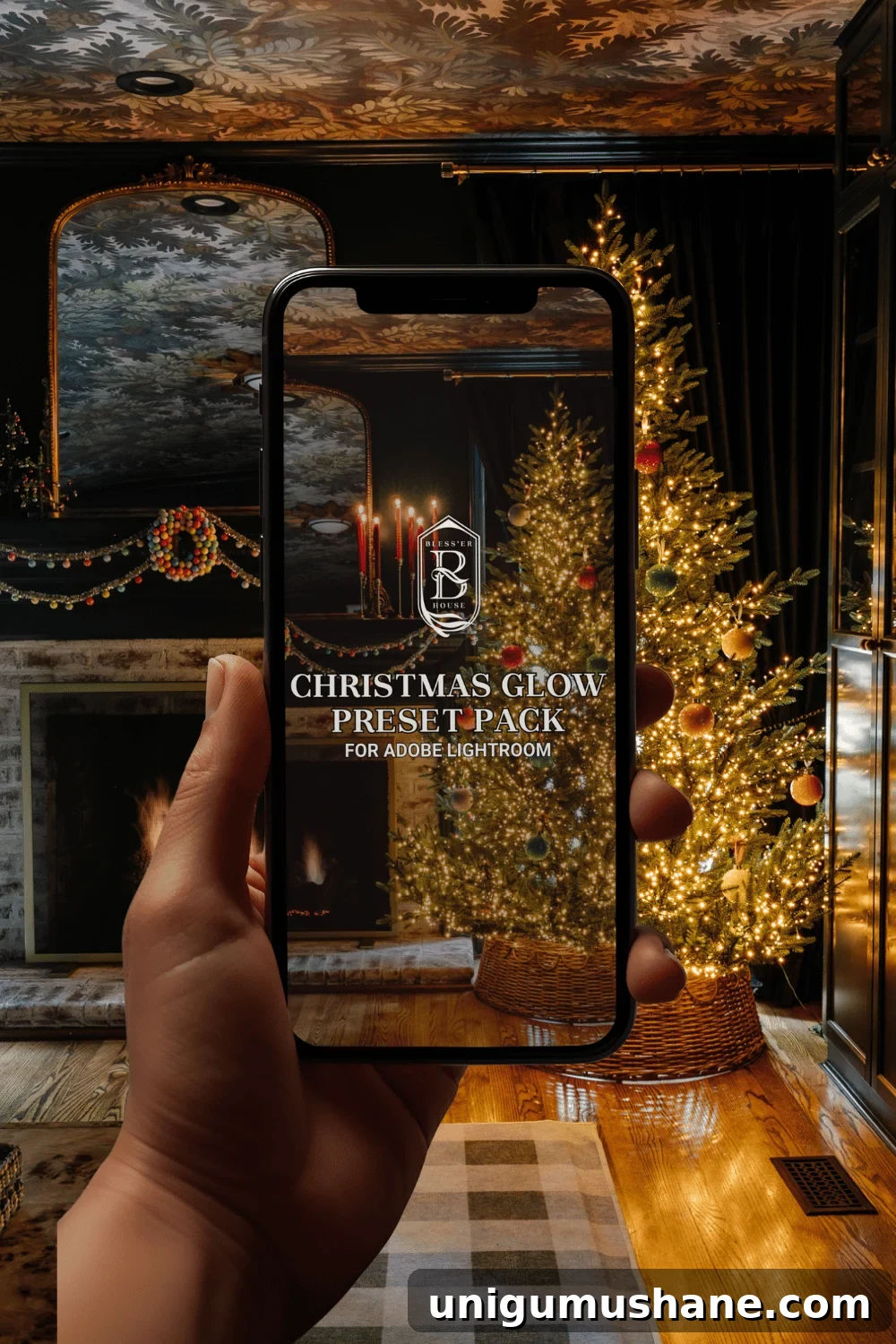
FINALLY! Today is a meaningful milestone: after years of requests to share my editing process for Christmas interior photos, I’ve launched a carefully crafted collection of Lightroom presets called Christmas Glow.
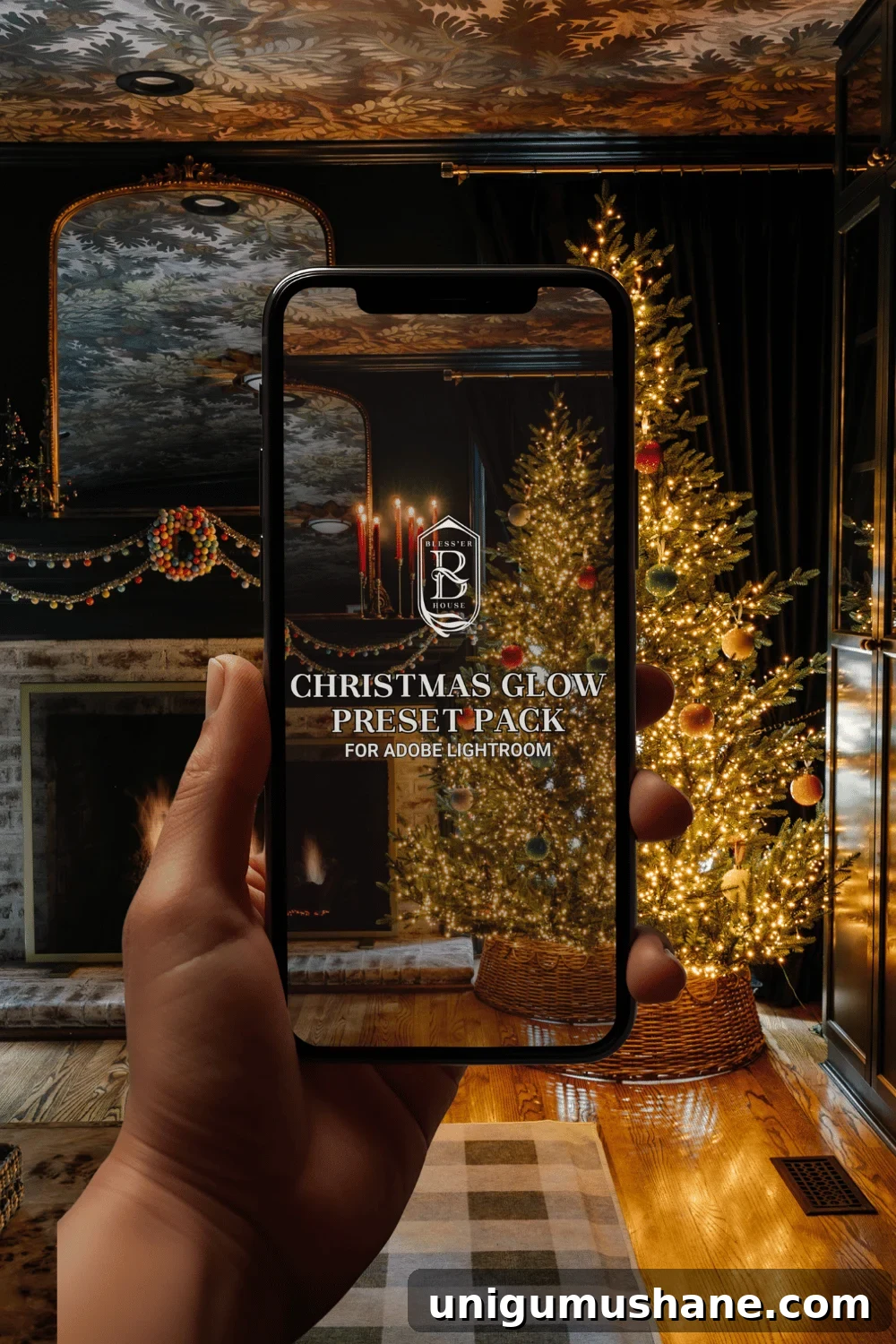
These presets are the exact settings I’ve used and refined on my own candlelit Christmas photography. Over time I adjusted tone curves, white balance, color grading, and noise reduction specifically to enhance warm candlelight, soft bokeh from tree lights, and the cozy glow that makes holiday interiors feel invitational. I’m sharing them ahead of the holiday season so you can download them and be ready to edit while you’re decorating, entertaining, or creating content for the holidays.
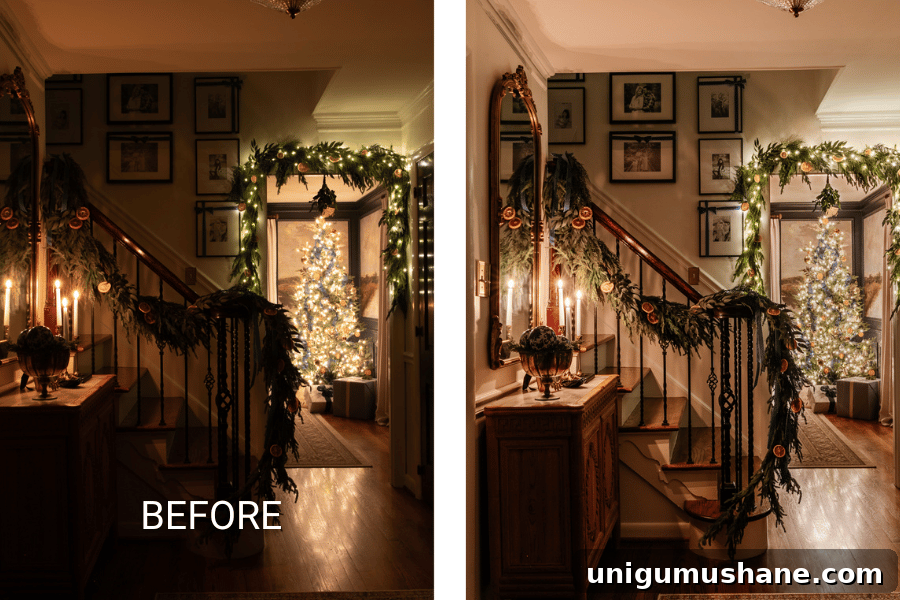
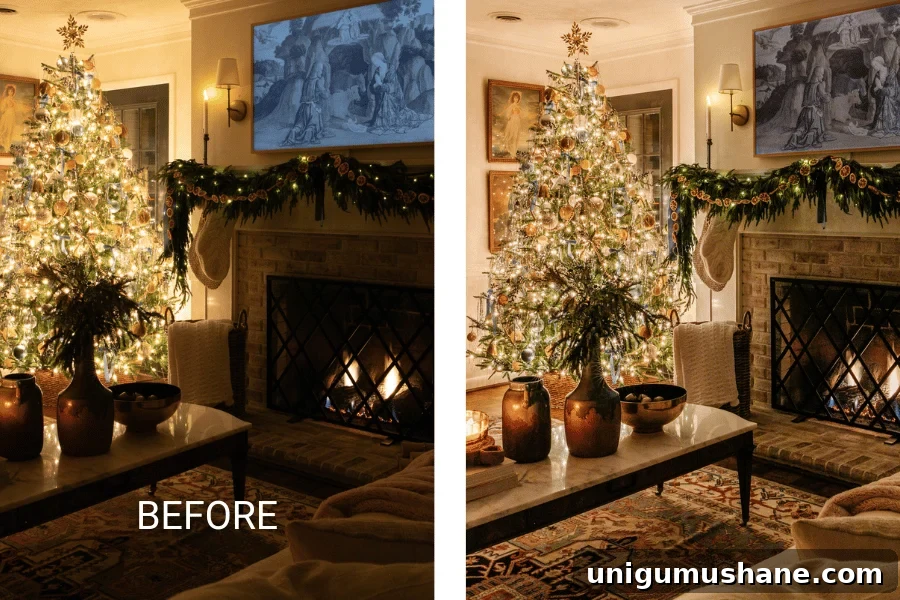
About the Christmas Glow Presets
Christmas Glow is designed for photographers and content creators who want rich, warm tones, preserved highlights from Christmas lights, and smooth skin tones in candlelit scenes. The presets work best on RAW files or high-quality JPEGs and were developed with interior candlelight and nighttime Christmas tree photography in mind. They emphasize warm color temperature, gentle contrast, and lifted shadows to retain detail without making images look flat.
What’s Included
- Multiple base presets tailored for different exposures and light sources (candlelight, string lights, mixed ambient).
- Accent presets for fine-tuning mood: deepen shadows, enhance golden highlights, increase bokeh glow.
- Noise reduction and sharpening adjustments optimized for low-light interiors.
- Handy workflow presets: quick ISO clean-up, skin tone balance, and finishing grain to add film-like texture.
How to Use the Presets
Install the preset pack into Adobe Lightroom Classic, Lightroom CC, or Lightroom Mobile. Start by applying the base preset that most closely matches your scene, then make small adjustments: tweak exposure if needed, set white balance to preserve warm candle tones, and use the accent presets to taste. These presets are intended as starting points—every image will benefit from a few personalized adjustments based on the camera, lens, and lighting situation.
Practical Tips for Better Results
To get the most from these presets, consider a few simple shooting techniques for Christmas interior photography:
- Use RAW when possible to preserve highlight and shadow detail for editing.
- Shoot with a tripod for long exposures when capturing low-light scenes without boosting ISO too high.
- If hand-holding, keep ISO as low as practical and rely on the preset’s noise reduction carefully.
- For pleasing bokeh from tree lights, use a wide aperture (small f-number) and compose so lights appear as soft, round highlights in the background.
- When photographing candles, meter for the subject’s exposure and let the highlights roll off gently; the presets will help retain warmth without clipping.
Additional Learning and Resources
If you want to deepen your skills in photographing interiors and low-light scenes, I recommend searching for courses and tutorials from experienced interior photographers. There are instructors who focus specifically on photographing Christmas lights, candlelight, and interior styling—these lessons pair well with the presets and will help you create stronger source images to edit.
Grab the preset pack below and enjoy editing this holiday season. I designed Christmas Glow to save time in your workflow while achieving a consistent, cozy aesthetic across a series of images. The 40% Preset Launch Sale ends 10/13/24 before the price increases—be sure to download while the introductory discount is available.