
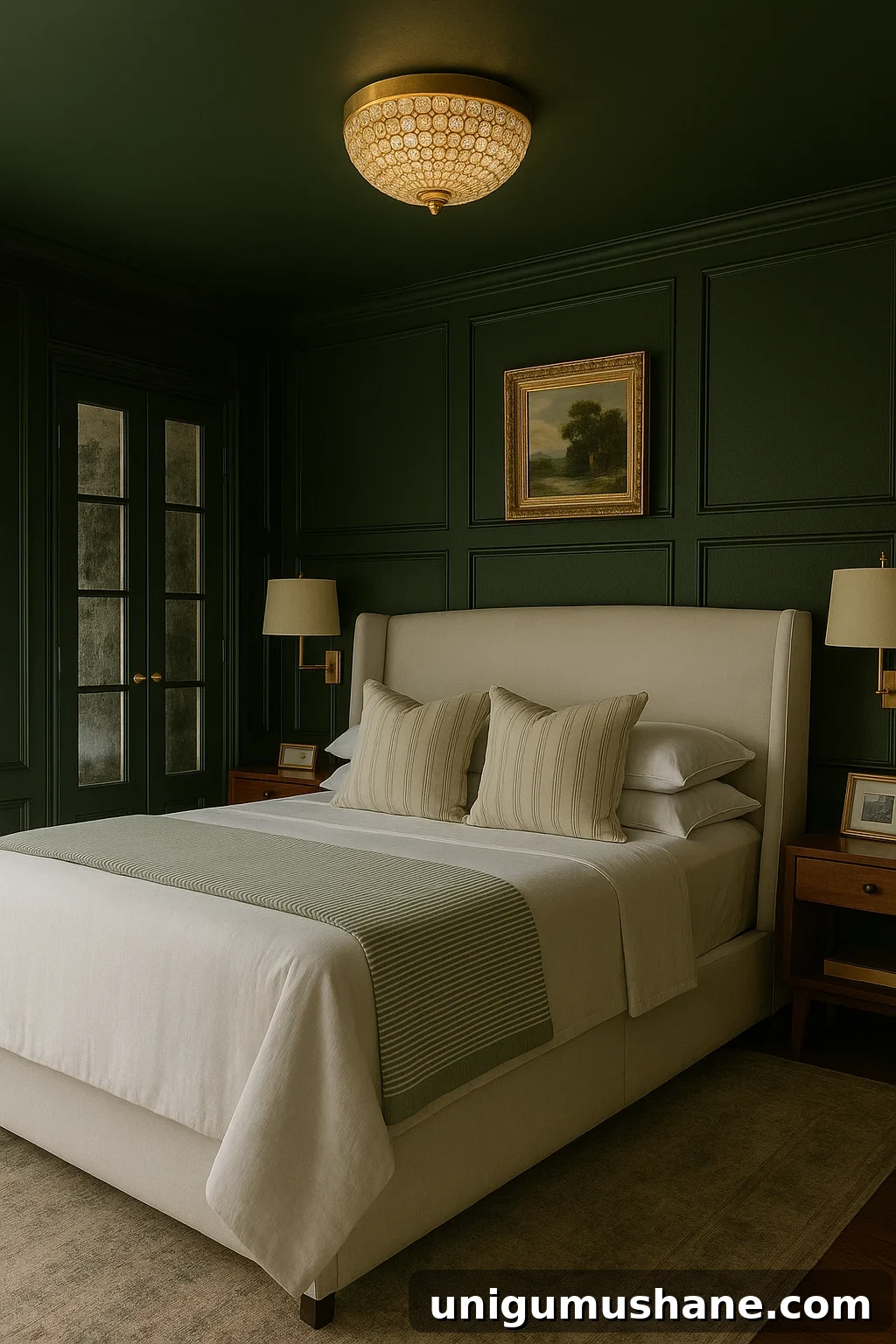
You know that moment when you only plan to touch up a paint color and somehow end up planning a full room refresh? Yep—this was one of those times.
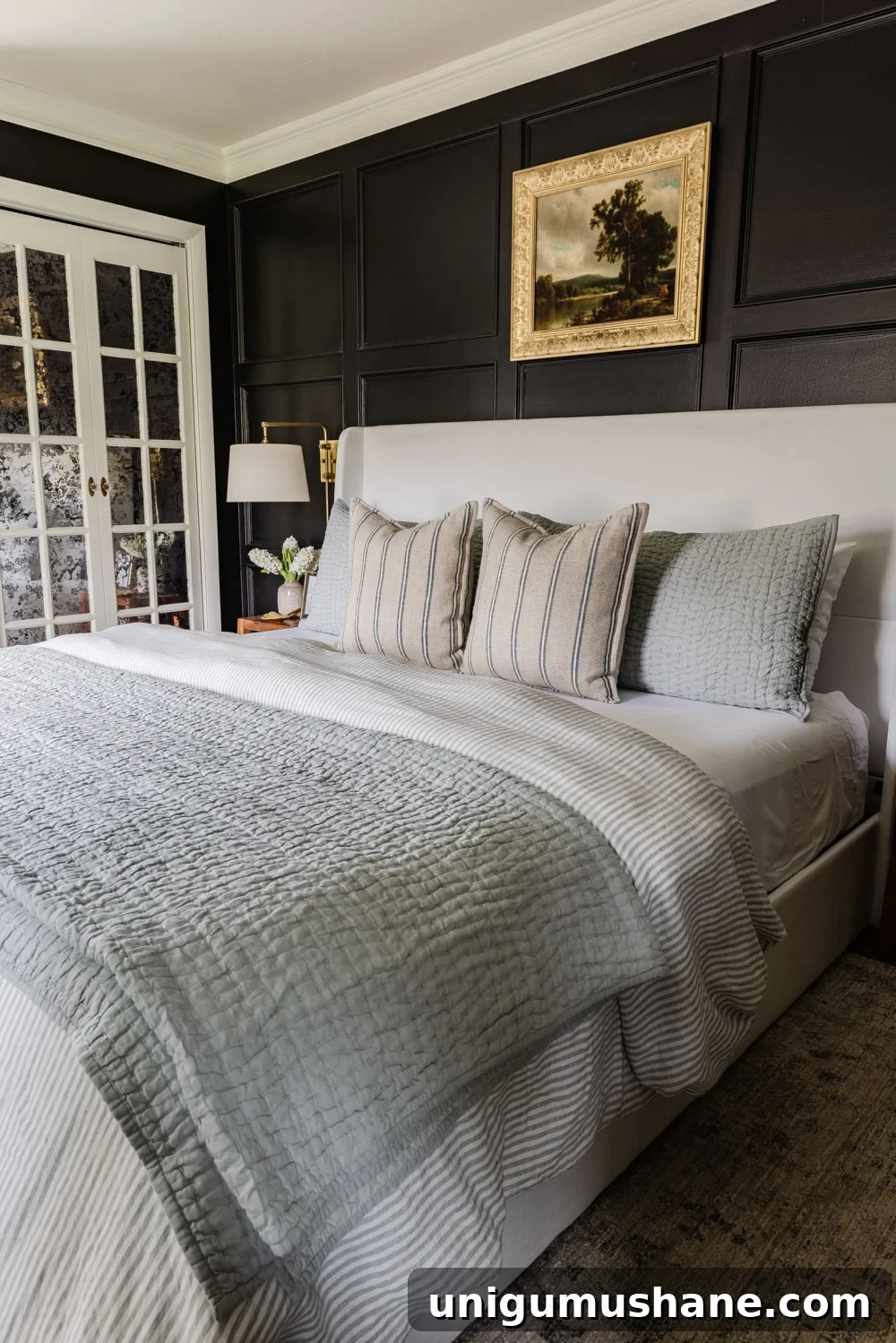
I’ve been itching to refresh our primary bedroom lately. Nothing drastic—just a bold, budget-friendly update to make the space feel cozier and more intentional. To experiment without committing too quickly, I turned to a tool I’ve been testing: the ChatGPT DIY Decorator School Room Visualizer.
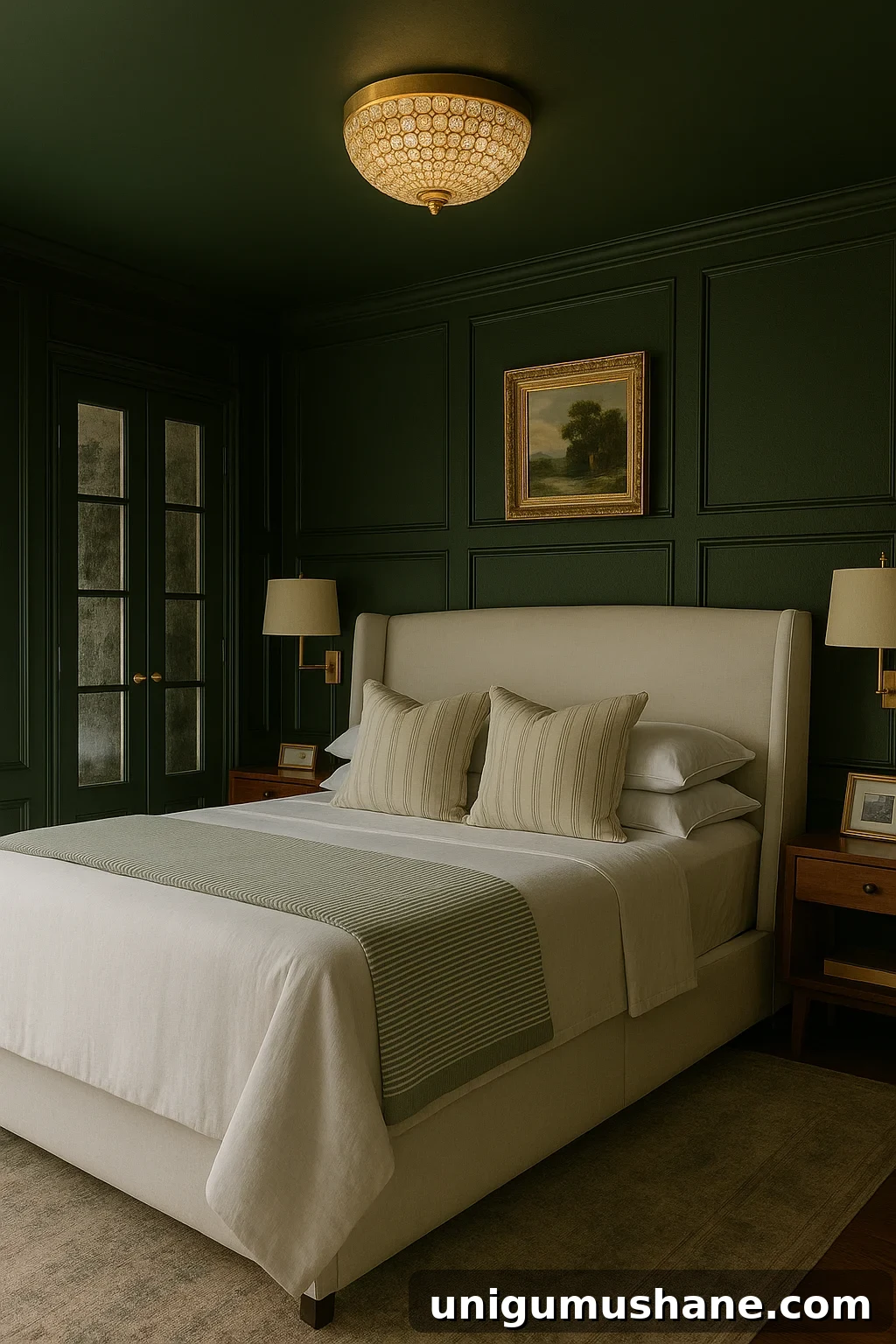
I asked ChatGPT to help me design a moody, cozy olive-green bedroom—and it gave me a clear visual starting point. It’s not perfect, and it sometimes places items in odd spots, but it helped me move from a vague idea to a concrete plan fast.
Our Bedroom Makeover Plans
My main move is a full color-drench: painting the walls, trim, doors, and even the ceiling the same earthy olive tone. That single change already makes the room read taller and more dramatic and gives a unified, enveloping feel. I’m still deciding between a few paint samples, but the direction feels clear.
I also found what I think will be the perfect light fixture: a gold crystal dome “fandelier” to replace our ceiling fan. A new statement fixture will instantly elevate the room and make the space feel more polished without a huge investment.
Furniture Makeover Visualizing
Then came the question of furniture. Our old farmhouse-style dresser is serviceable, but it may clash with the new modern-traditional direction. Do I leave it for contrast, or give it a mini makeover to harmonize with the updated palette? The visualizer helped me test both options quickly so I can see which approach reads better before I pick up a paintbrush.
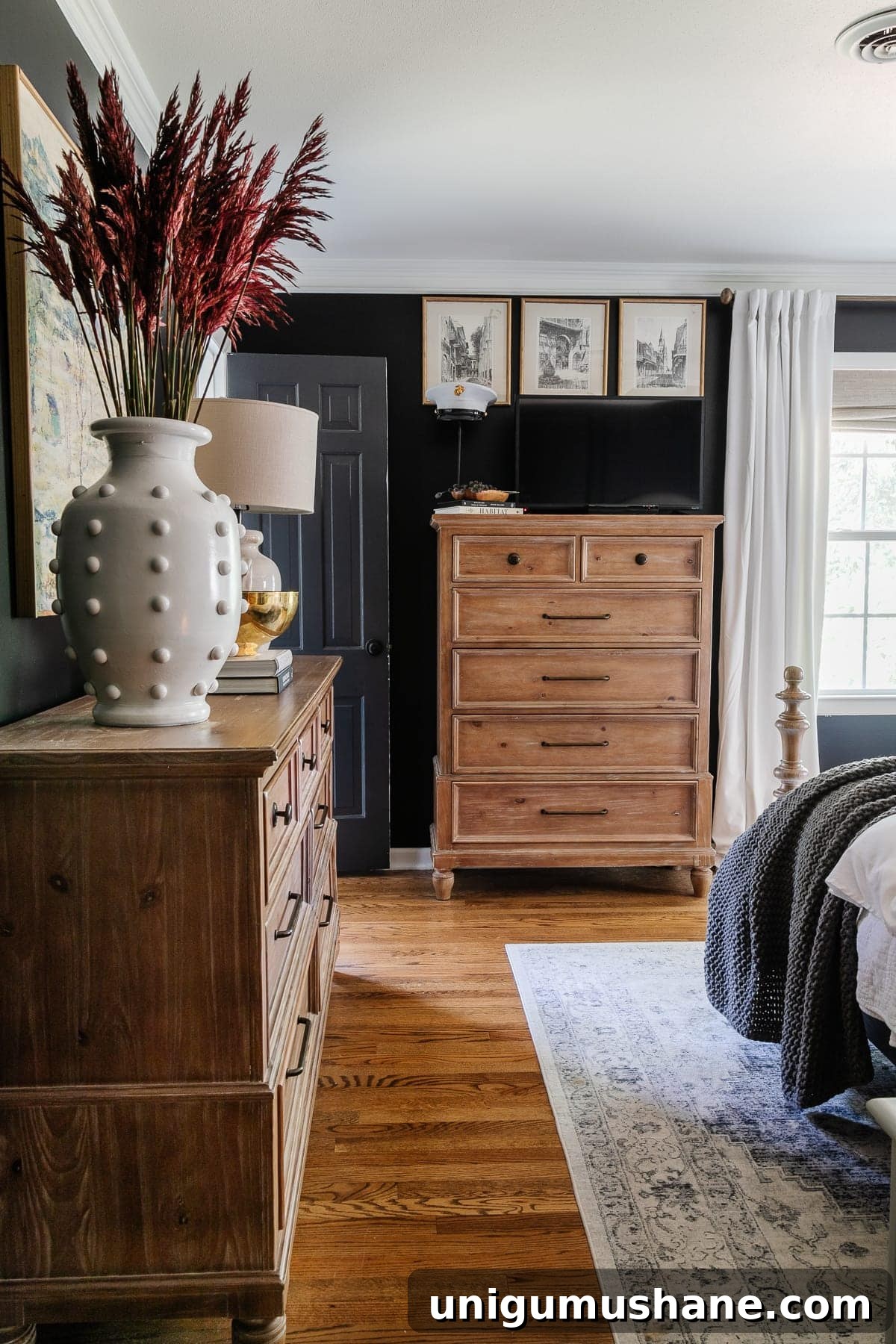
The renderings show layout ideas, furniture placement, and potential fixtures. They aren’t flawless—sometimes lighting and art placement need manual adjustment—but they’re a useful draft to share with anyone helping with the project, whether that’s a partner, contractor, or a friend.
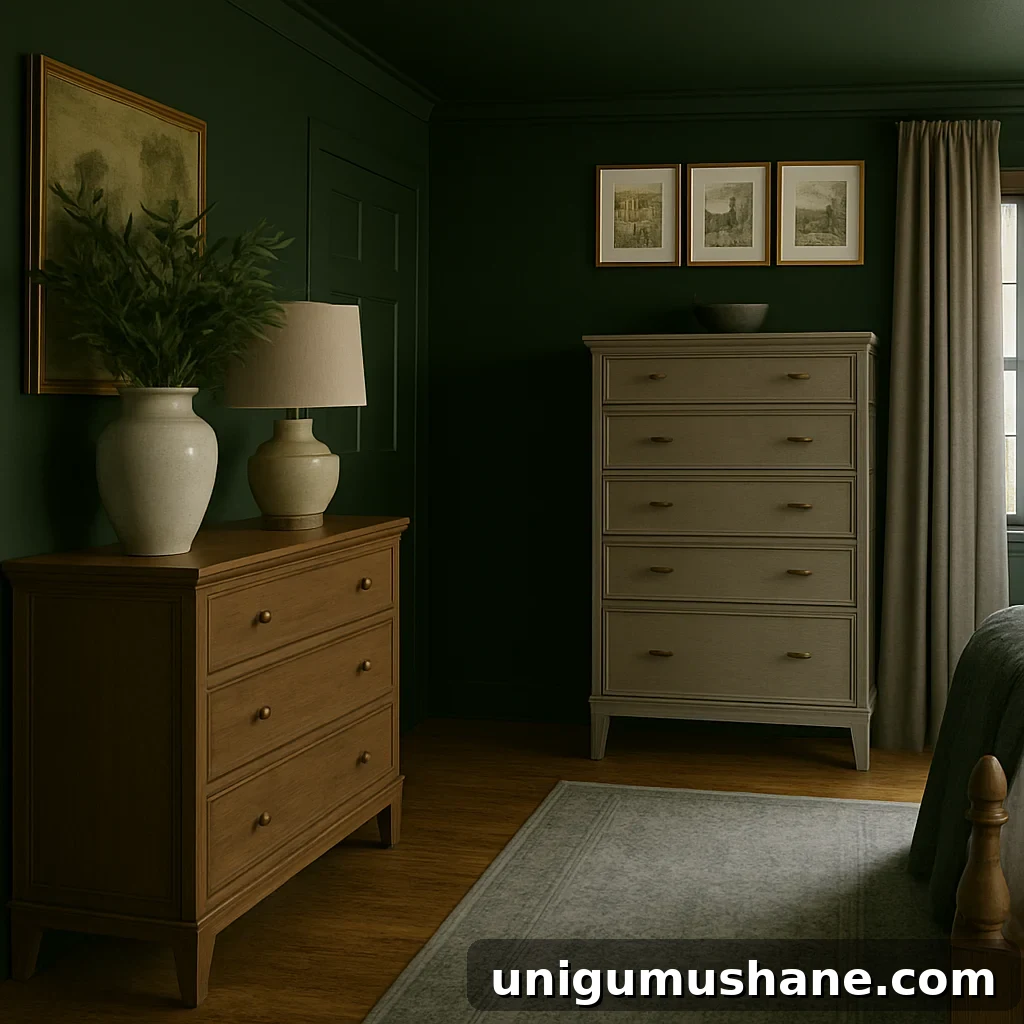
I don’t think an AI tool will replace a skilled human interior designer, but for homeowners who need to translate a vision into something tangible, it’s an excellent starting point. It forces decisions—color, scale, placement—so you can refine them more confidently.
Why You Should Use a DIY Room Rendering
I use AI-generated mood boards and renderings to communicate design intent clearly, especially to my husband, who responds best to visuals. These tools help bridge the “trust me” gap and speed up decision-making.
If you’re approaching a room makeover and feeling overwhelmed, a step-by-step system can help. My DIY approach walks through how to:
- Recognize and reuse the best elements you already own, leaning into thrifty tricks that maximize impact.
- Plan for function, test furniture layouts, confirm measurements, and build a cohesive color palette that works at every scale.
- Gain confidence to take tasteful risks that result in a room that truly serves you and your family.
If you want a clear path from “I don’t know where to start” to “this feels like us,” a guided process and a few visual tools make a big difference.
Get My ChatGPT Interior Design Prompt
If you’re curious about how I used ChatGPT to visualize this bedroom before picking up a paintbrush, I share the exact prompt and access to the ChatGPT DIY Decorator School Room Visualizer with my email subscribers. Sign up to receive the visualizer and try the prompt yourself—there’s no cost to test it out.
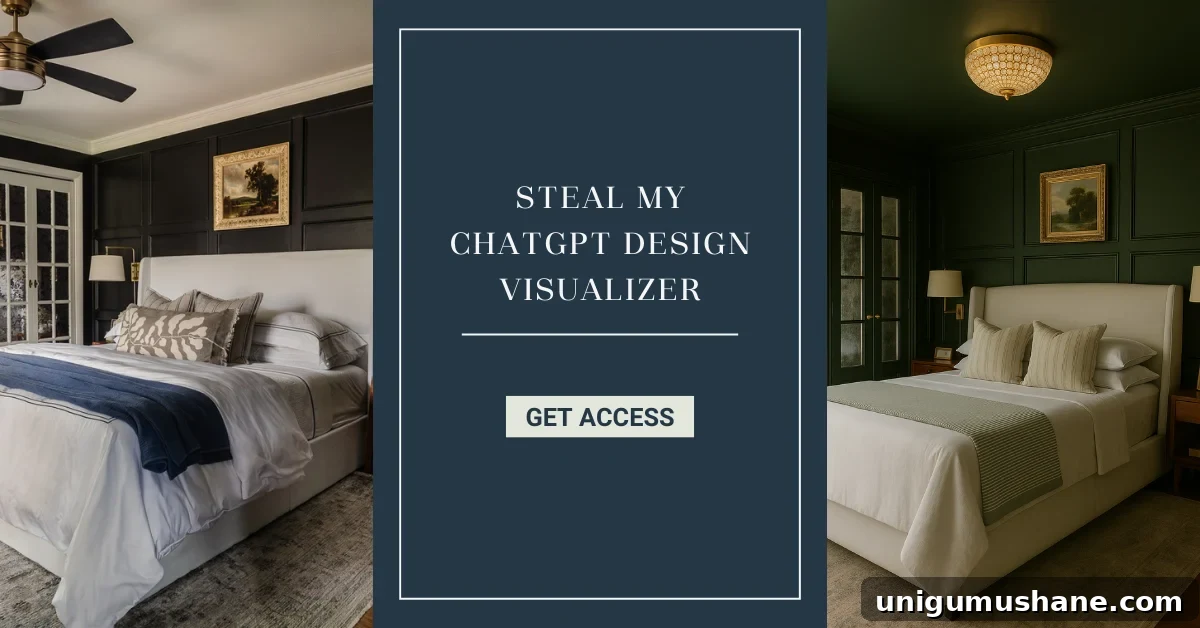
Will you give AI visualizing a try? I have a love/hate relationship with AI tools, but this one has been genuinely useful for moving a project forward. If you try the prompt, I’d love to hear how it goes—leave a comment and share your results.
More DIY Room Makeover Resources
- 13 Steps to Decorate a Room from Start to Finish
- Common Decorating Mistakes Most People Make
- 23 Tricks to Make a Small Room Look Bigger