
A step-by-step tutorial to create a DIY Christmas family photoshoot that looks dreamy and professional in front of your Christmas tree.
Christmas portraits creep up every year. Before I know it I’m scrambling to find a photographer, coordinate a date that works for everyone, and keep the whole family healthy and in a good mood long enough to get a good shot.
Spoiler: most years I miss scheduling a professional session and the cards don’t go out on time. If that sounds familiar, a simple at-home session is an excellent alternative.

I spent several years photographing family portraits in a studio, and during the holiday rush I shot dozens of sessions a day. Those years taught me reliable techniques for flattering angles, handling kids, and getting natural expressions with any camera — even a phone.
Why Taking Your Own Christmas Family Portraits Is Worth It
Hiring a professional supports local artists and often yields stunning results, but if that’s not an option this season, doing it yourself is worthwhile for several reasons.
Location
Your living room already has the most meaningful backdrop: your own tree. Photos in front of your tree feel personal and memorable because they document your real holiday setting.
Kids generally relax more at home, which helps especially for children who need extra comfort or familiar surroundings to settle and smile.
Timing
With a DIY session you can shoot when everyone is in a good mood or feeling well. If a toddler melts down, you can simply try again the next day, so it’s easy to work portraits into a busy holiday schedule.
Budget
Professional family shoots typically cost several hundred dollars. A DIY session keeps your holiday budget available for travel, gifts, and celebrations while still delivering keepsake photos.
For example, we once wrangled the kids into their pajamas after church and captured great shots in five minutes with an iPhone. It wasn’t the same as shooting with a DSLR, but the photos were beautiful and authentic.
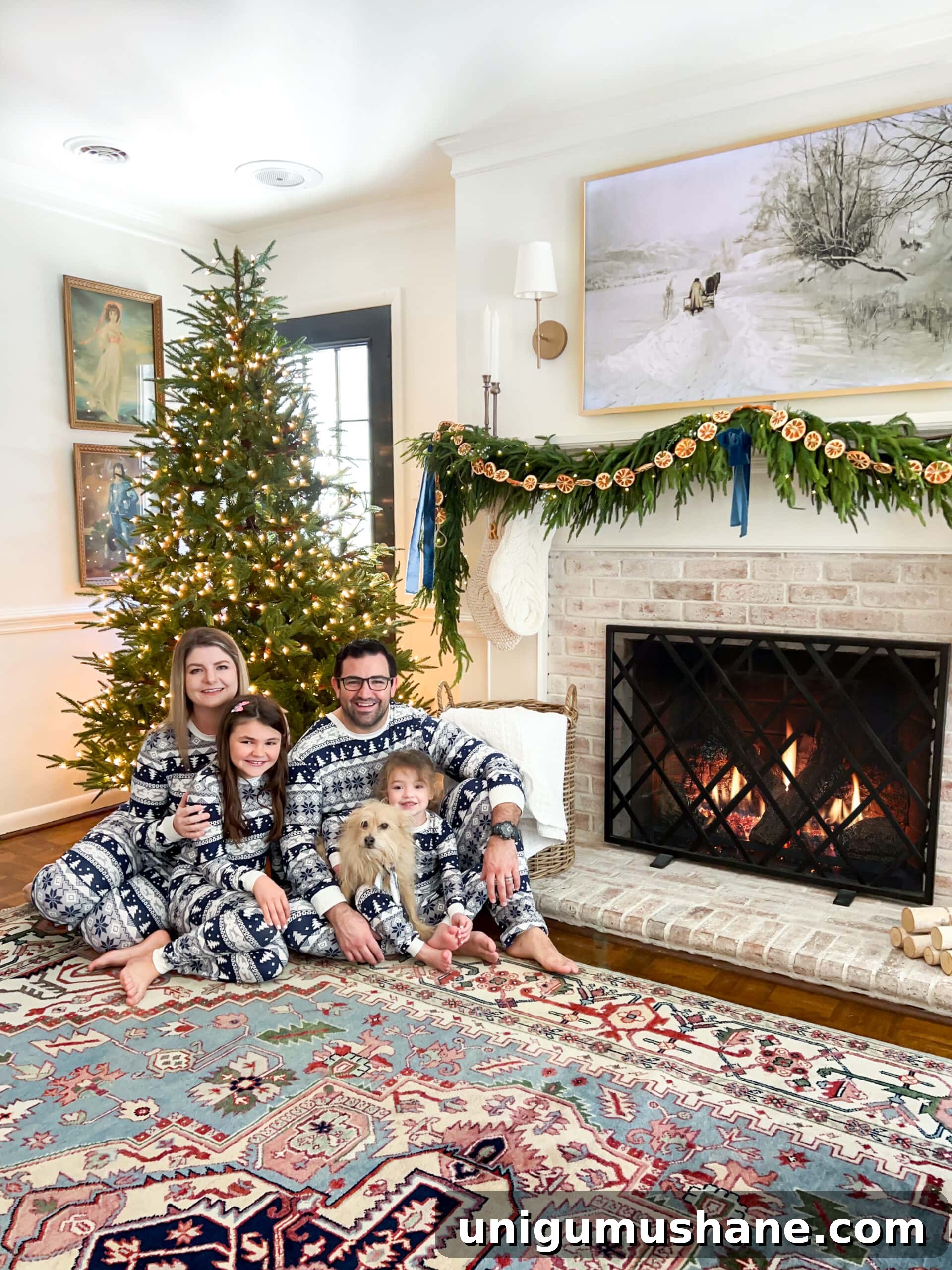
DIY Christmas Family Photoshoot In Front of Your Tree
These practical tips will help you capture sweet, professional-looking Christmas portraits at home—ideal for holiday cards or to preserve family memories.
Keep things casual if you prefer candid shots. A small bribe like a cookie or a favorite ornament can turn a meltdown into a genuine smile.
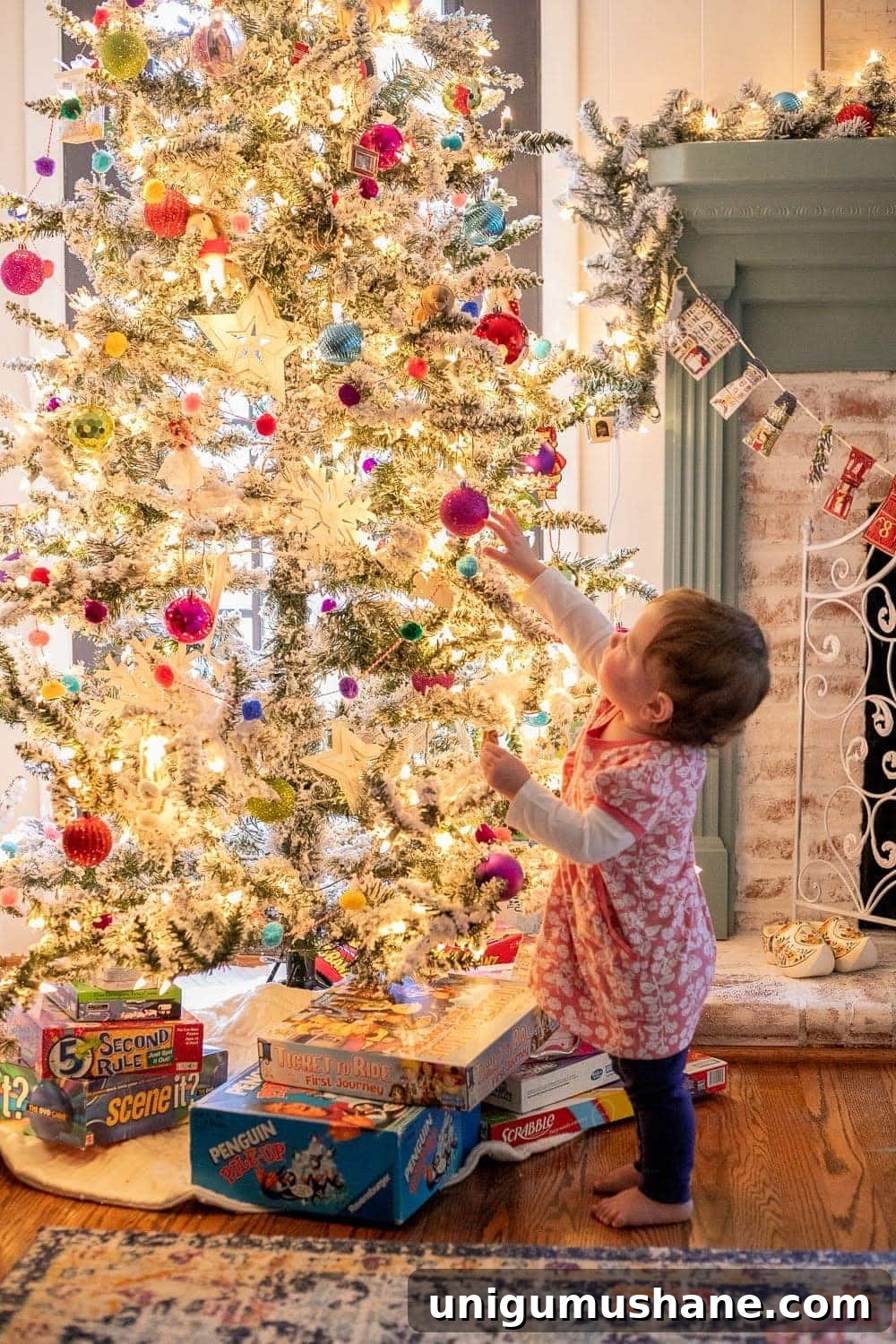
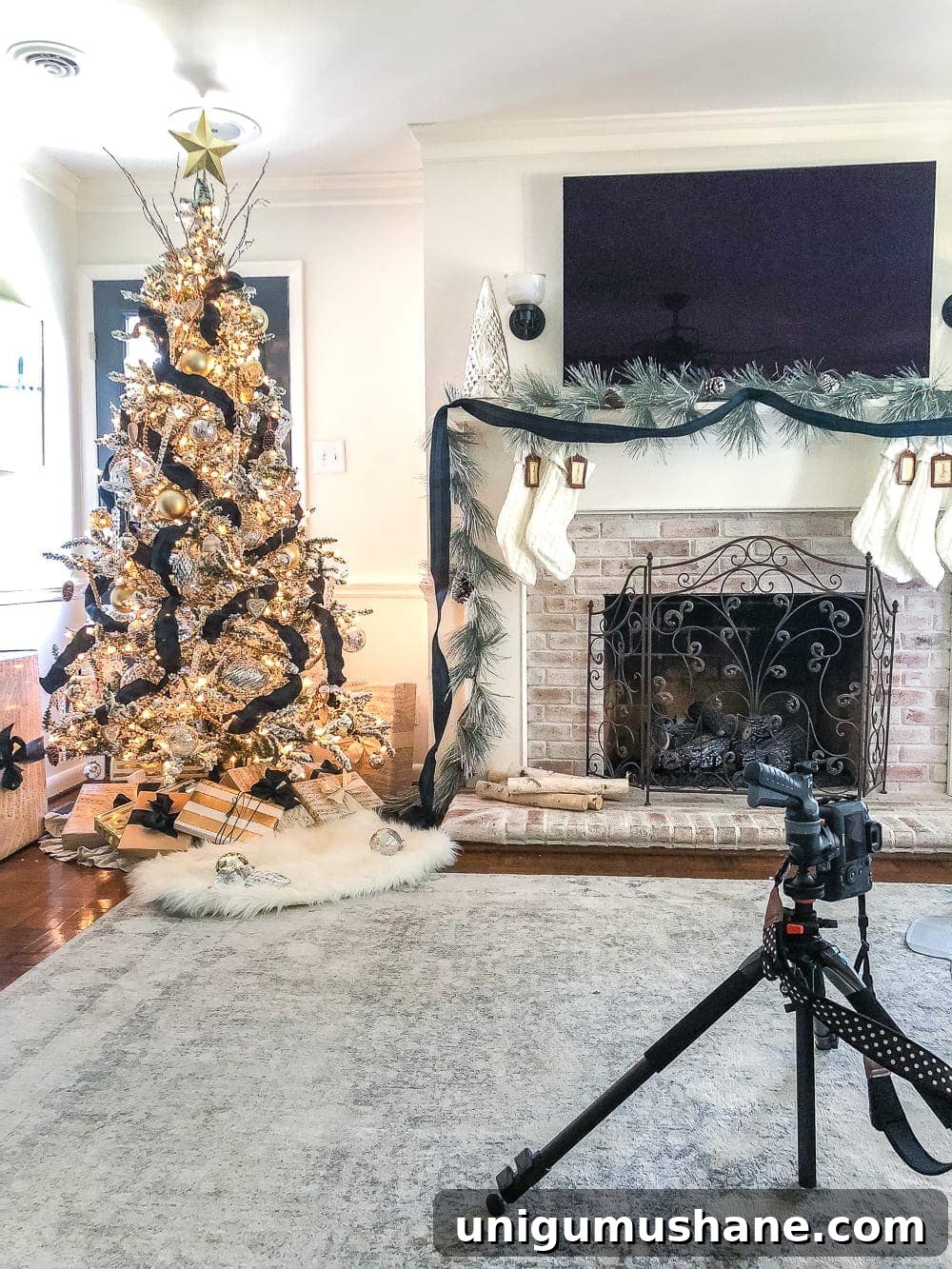
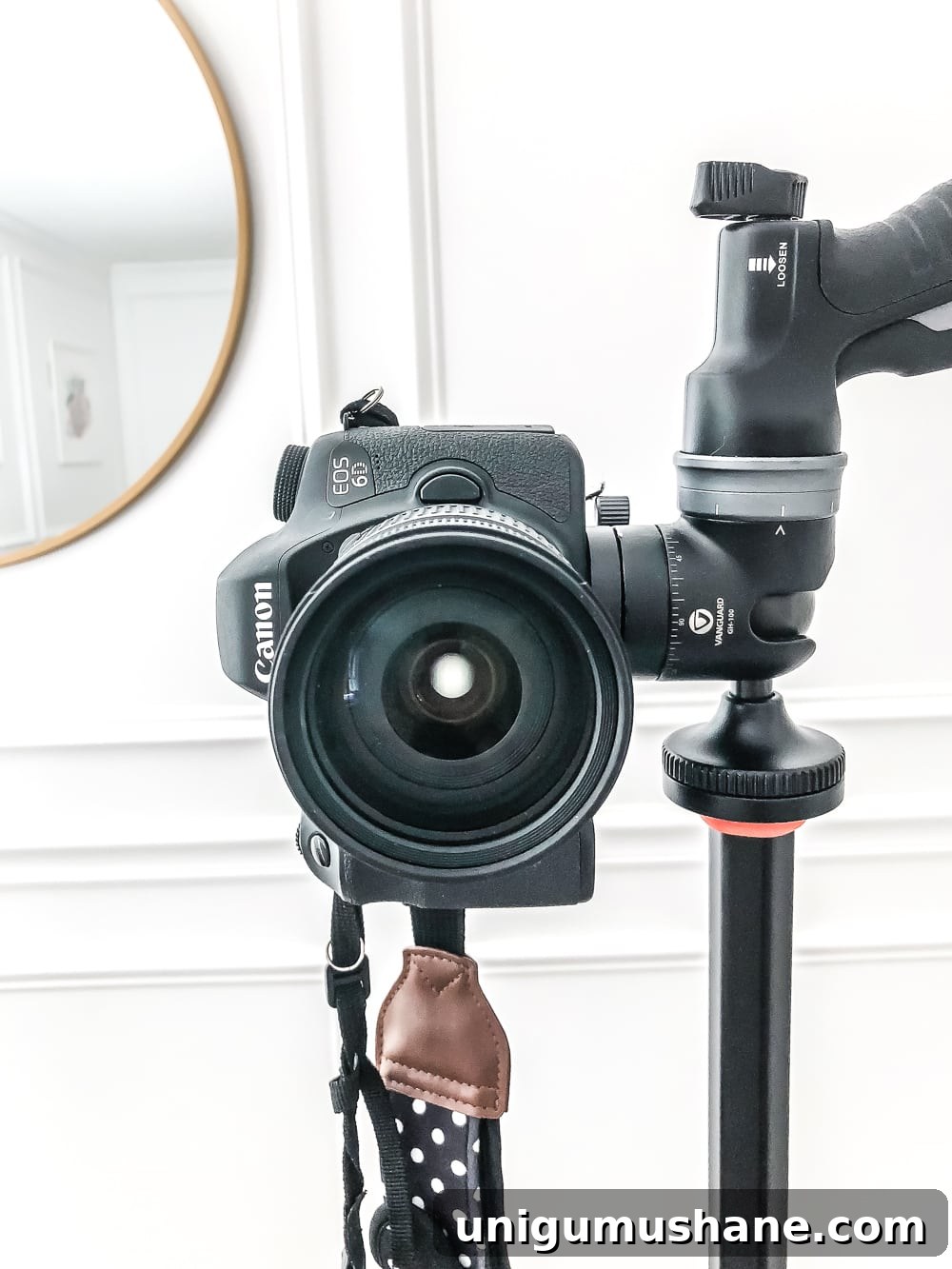
I once rounded up my girls for a quick shoot and photographed my setup so you can see how simple it is. This approach works with both DSLRs and mobile phones.
How to Set Up Your Camera for Christmas Family Photos
Some items mentioned may be affiliate links for convenience, and I sometimes recommend tools I use in my own shoots.
Position Yourself for Good Lighting
Aim for Midday
Avoid harsh direct sunlight from low angles at sunrise or sunset; soft midday light or diffused window light makes faces look flattering. I shoot in natural light most of the time, which helps preserve the warm glow of the tree lights in the background.
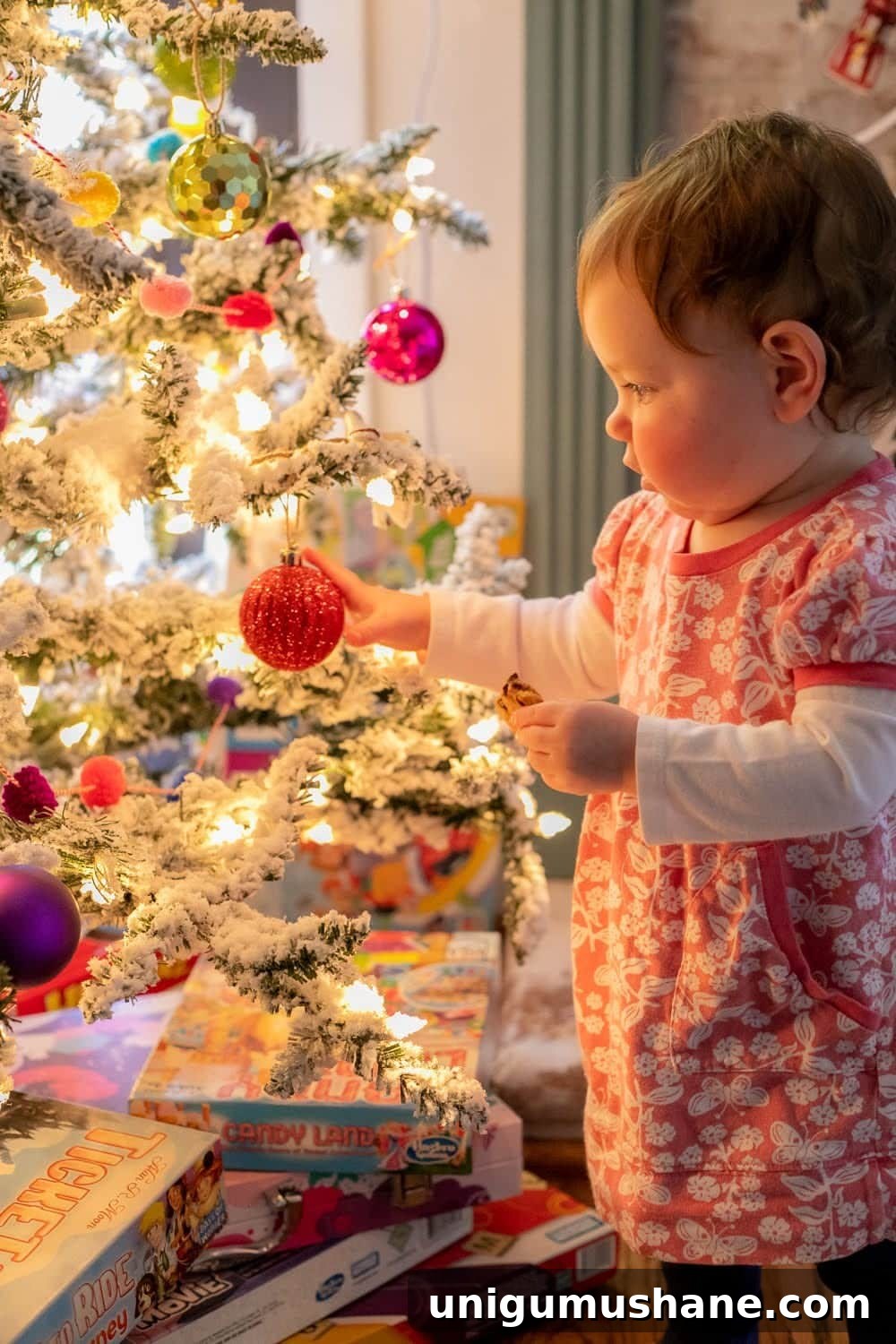
Turn Off the Room Lights
To avoid mixed color casts, turn off overhead and other artificial lights. Keep the tree lights on and use natural light from a window or door to gently illuminate faces.
Position Subjects to Face a Light Source
Place people between the tree and your natural light source so they are lit from the front while the tree provides a warm, glowing background.
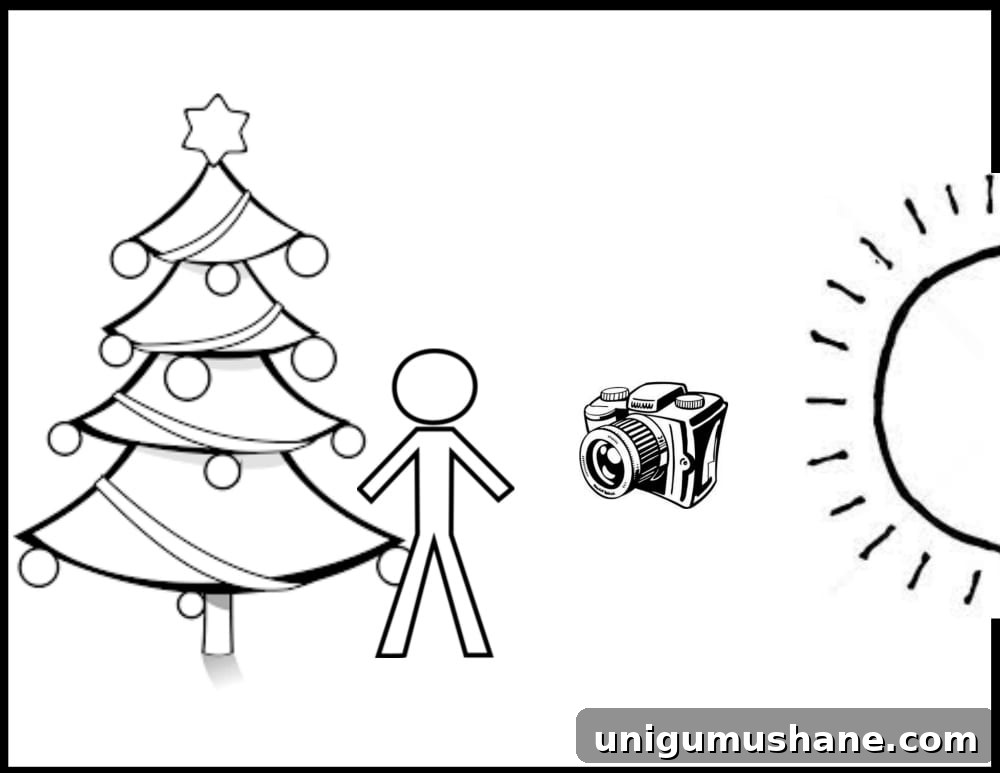
Important: never use a flash — it will eliminate the soft glow from the tree.
If the room has no natural light, use the tree lights and a small lamp placed opposite the subjects to add gentle face illumination. Avoid overhead lighting, which is typically unflattering.
Posing
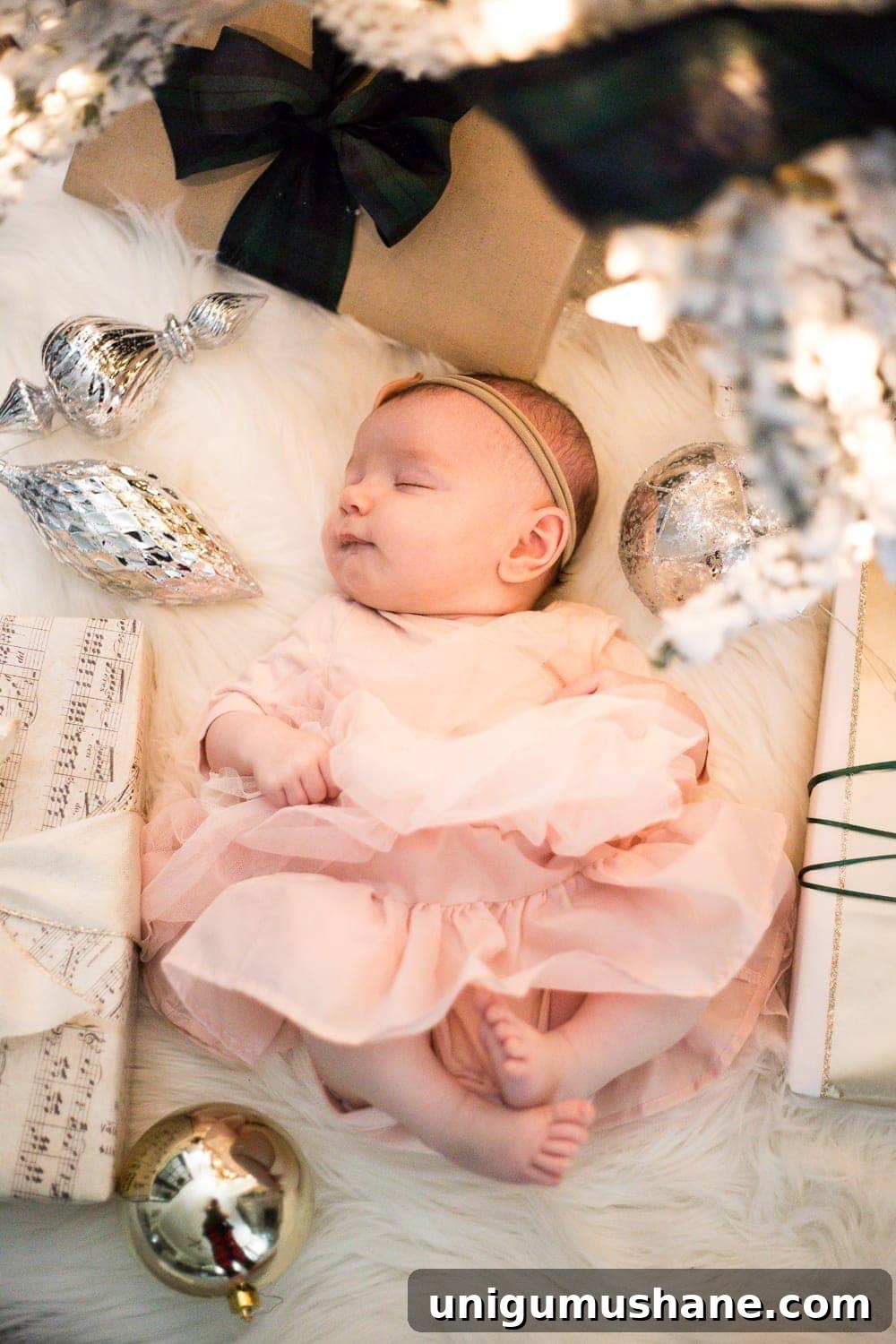
One effective trick is to have subjects lie on their backs beneath the tree while you shoot from above. The tree lights create an even, dreamy illumination.
Tip: Props such as a wrapped gift, a favorite ornament, or a cookie provide natural interaction and lead to genuine expressions—especially with kids.
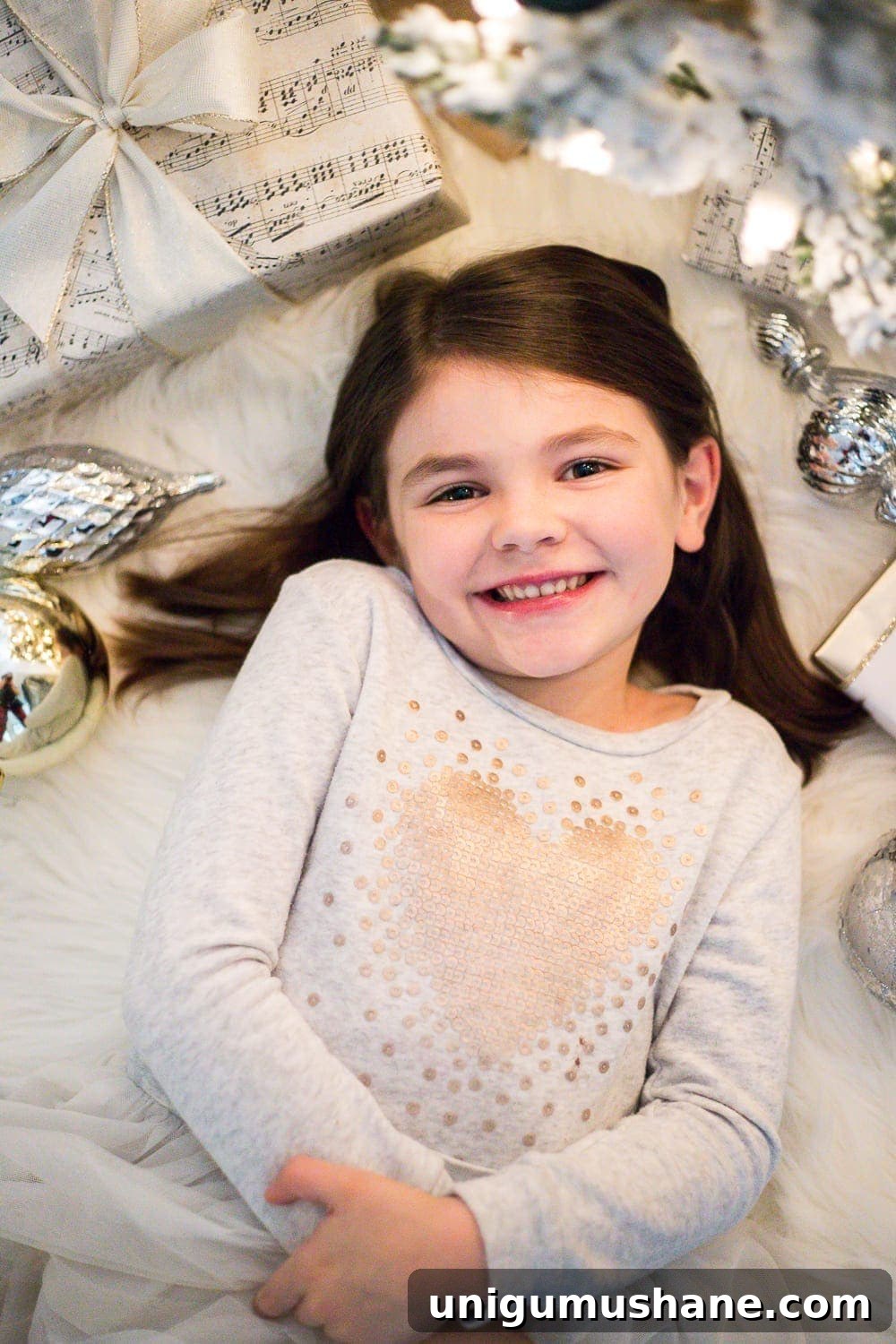
Keep poses relaxed and let people move naturally. Sit, stand, play with ornaments, dance, or share a hug—those candid moments often produce the best portraits.
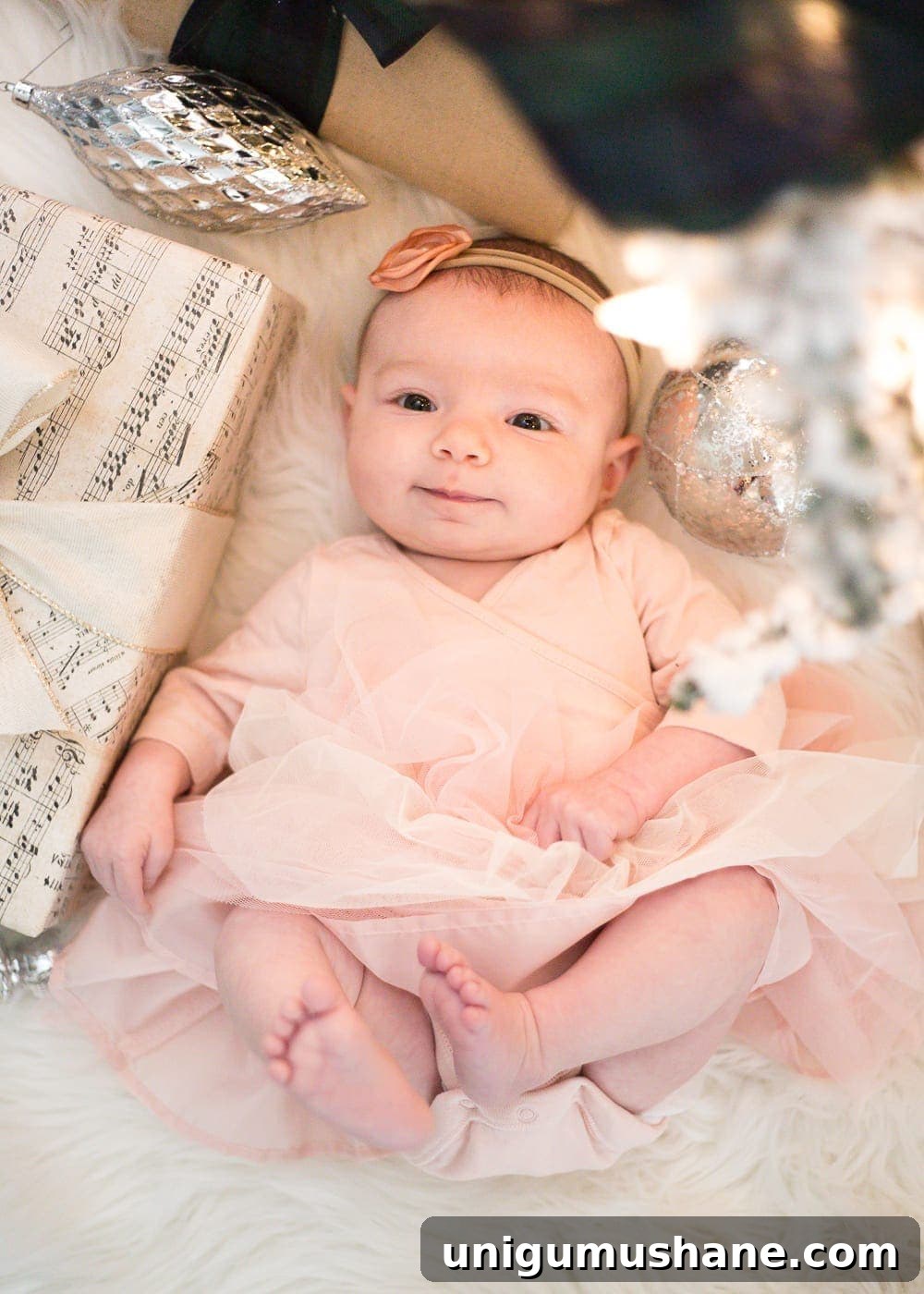
For babies, a bird’s-eye view shot works well. For adults, photographing slightly above eye level is generally flattering.
Frame Your Subject
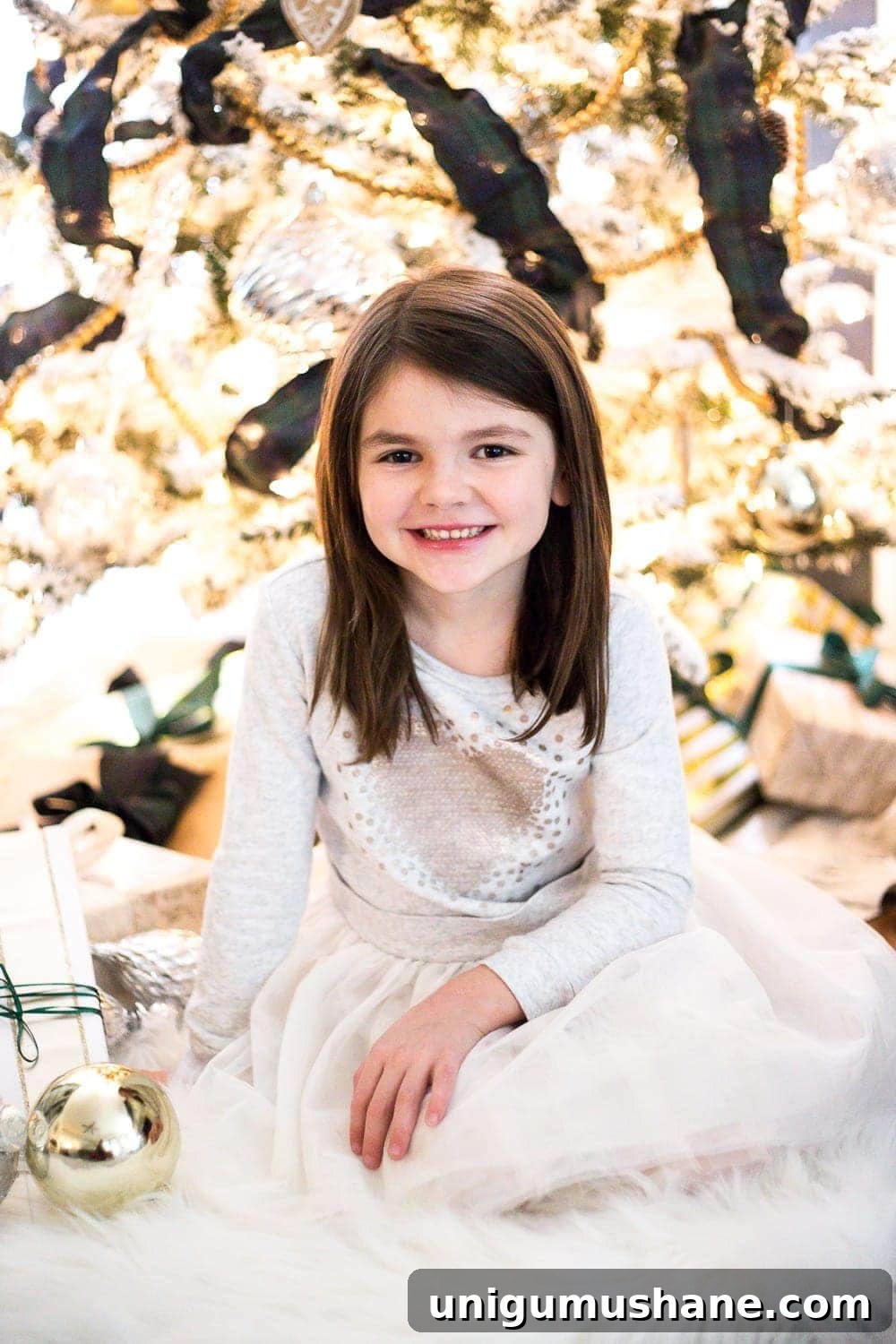
Shoot at eye level for children by squatting or sitting, and for adults position the camera slightly above eye level to minimize unflattering angles.
Camera Settings
For Mobile
Clean the Lens
Wipe your phone’s lens before shooting and avoid touching it during the session to keep images sharp and clear.
Turn On Live Photo
Enable Live Photo (or a similar feature) to capture a short clip of movement—handy for selecting the perfect expression later.
Adjust Exposure If Needed
Use your phone’s native camera app for best quality. If the phone over-brightens the scene, tap to lock exposure or manually reduce it.
Use a Tripod (or Stable Prop) and Timer
Stabilize your phone on a tripod or prop it on a stable surface. Use the timer or a remote shutter (or a smartwatch) to avoid blur from hand movement.
For DSLR Cameras
Switch to Manual mode to control aperture, shutter speed, and ISO for consistent results.
Aperture
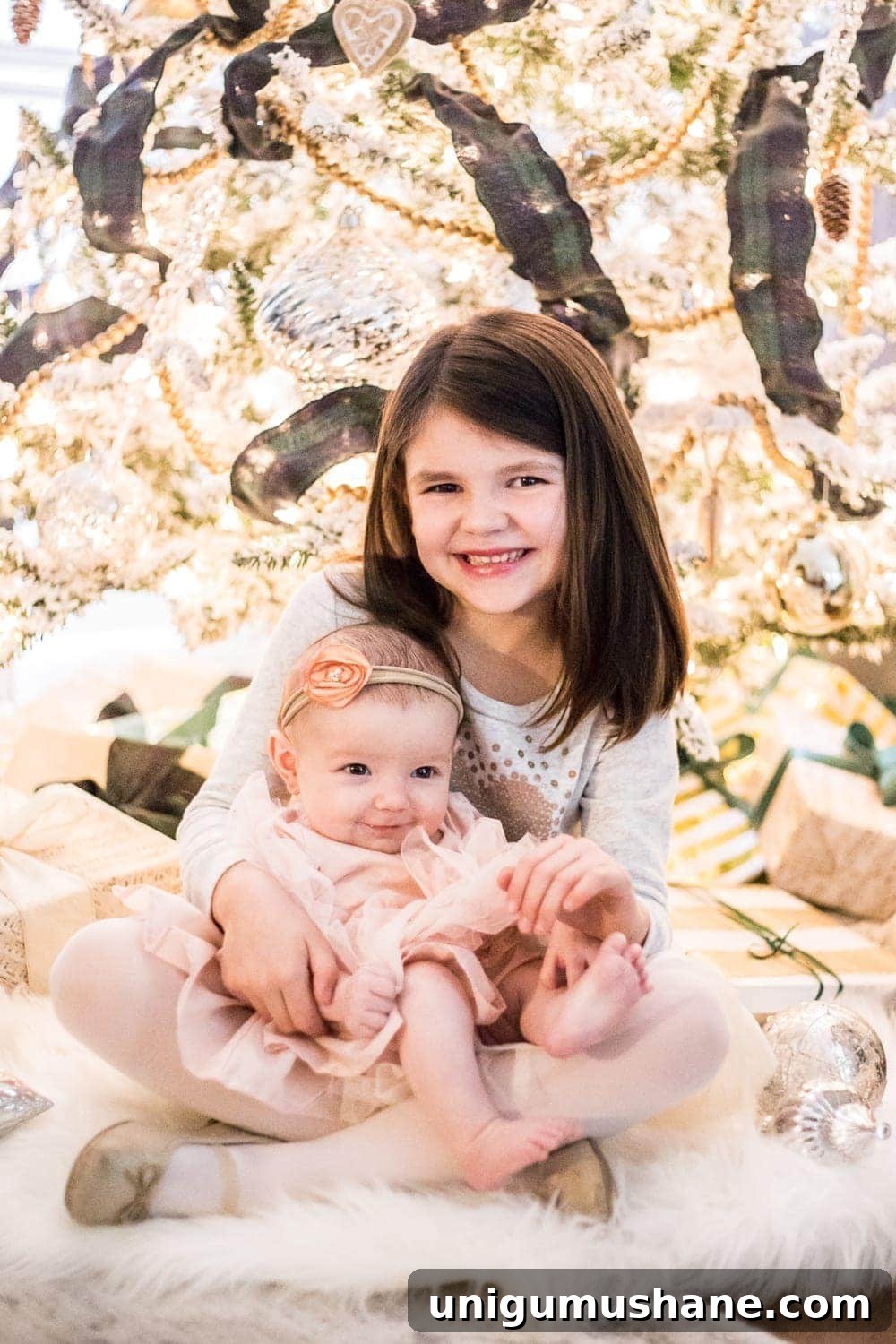
Use the lowest f-number your lens allows to create a shallow depth of field and that soft, blurred background with glowing bokeh from tree lights.
Shutter Speed
Choose a shutter speed of at least 1/200 to freeze movement, especially with active kids. Increase speed if subjects are moving quickly.
ISO
Raise ISO only as much as needed to achieve a correct exposure. Higher ISO brightens the image but introduces more grain, so balance accordingly.
White Balance
Auto white balance usually gives a solid starting point. If the colors look off, adjust in-camera or during editing.
Focus
With a shallow aperture, precise focus on your subjects’ eyes is essential so they remain sharp while the background blurs. On a phone, tap the face to focus; on a DSLR, set your focus point appropriately.
Editing
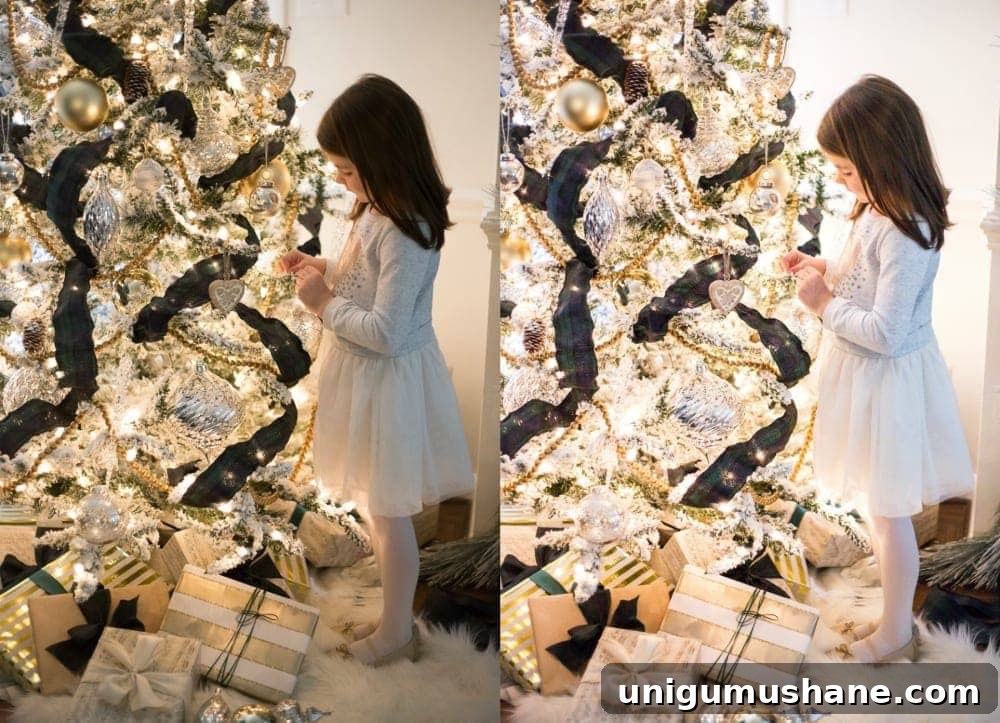
I use Adobe Lightroom for deeper edits, but mobile apps offer simple, effective adjustments. Basic edits I apply are:
- Increase exposure slightly
- Boost whites
- Reduce highlights
- Lift shadows a touch
- Lower blacks to add depth
These tweaks help even out the light and preserve the soft, warm mood from the tree lights.
My Photography Gear
I often shoot with a Canon 6D and a 50mm prime lens for portraits, but almost any DSLR or recent smartphone can produce lovely results. The lens and camera help, but composition, light, and connection with your subjects matter most.
I hope these tips help you capture meaningful holiday moments this season. Even a few simple portraits taken at home can become treasured keepsakes for years to come.
More Photography Tips
- How to photograph Christmas tree lights at night
- How to photograph interiors like a pro