
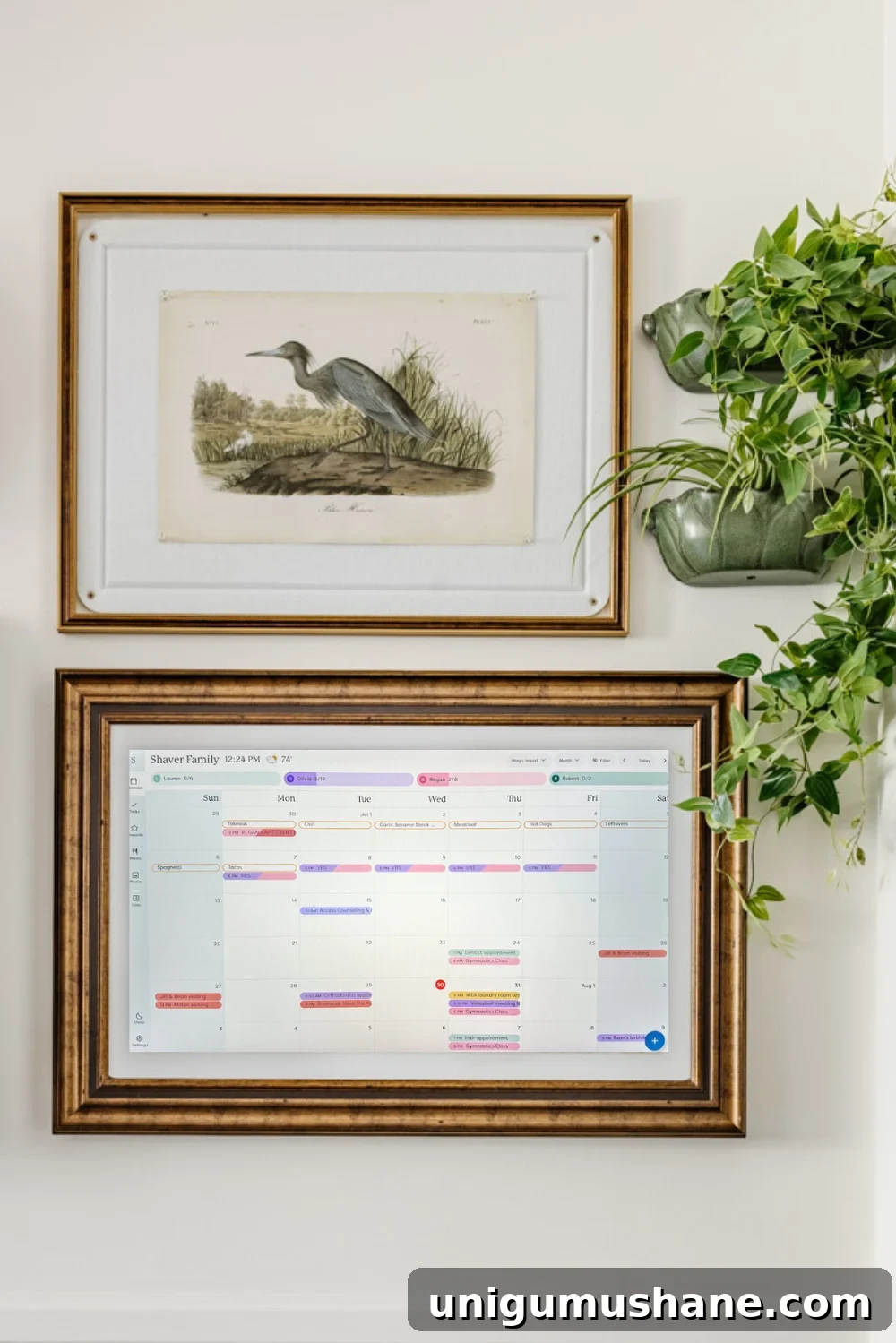
If you’ve ever felt like you need a full-time personal assistant to keep your family’s schedule organized, you’re not alone. Between school drop-offs, extracurriculars, dentist appointments, work meetings, and themed dress days, it’s a lot to manage.

I purchased the Skylight Calendar Max to help our family stay coordinated. This review reflects our honest experience after living with it daily for a couple of months. All opinions are my own.
Last year, at my “I need a system” breaking point, I decided to try the Skylight Calendar Max. It’s a wall-mounted 27-inch digital calendar designed to centralize family schedules, chores, and meal plans in one large, visible display.
We finally mounted ours in the kitchen—where everyone walks by multiple times a day—and it quickly became the family hub. The oversized screen makes it impossible to miss appointments or activities, and it helps reduce those “wait—you didn’t tell me” moments.

The Skylight Calendar Max syncs with Google Calendar (other calendars are supported to varying degrees) and supports features like chore assignments, meal planning, shared lists, and a “Magic Import” tool that converts forwarded emails or PDFs into calendar events. I’ve forwarded gymnastics schedules, school newsletters, and appointment reminders directly to it, which saved time compared to manual entry.
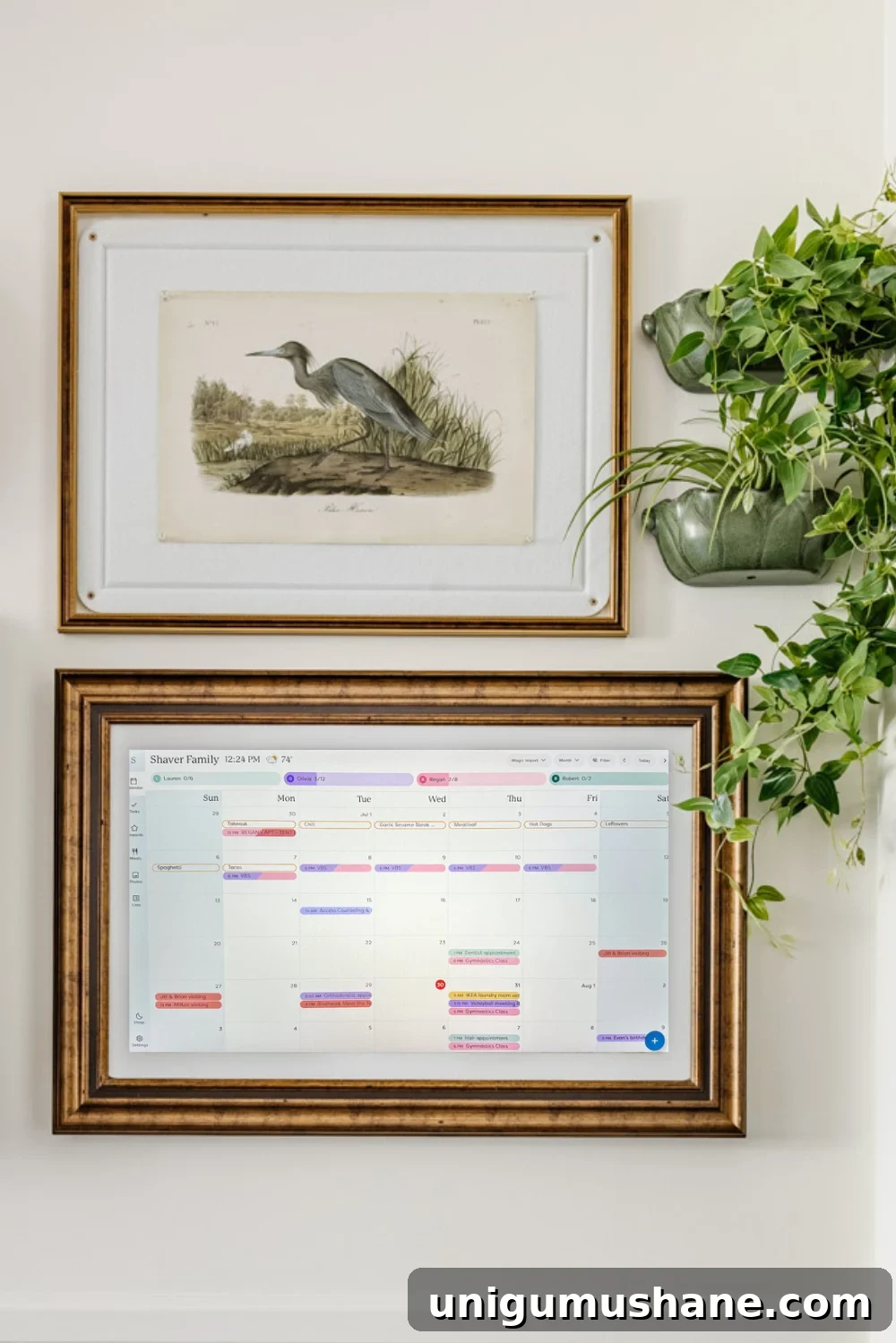
One of the things I love is that you can upload images or artwork to the device, so it can double as a family photo frame or a decorative piece on the wall when not in calendar view. We use it to display art files, making it feel like a gallery piece in our kitchen rather than a tech gadget.
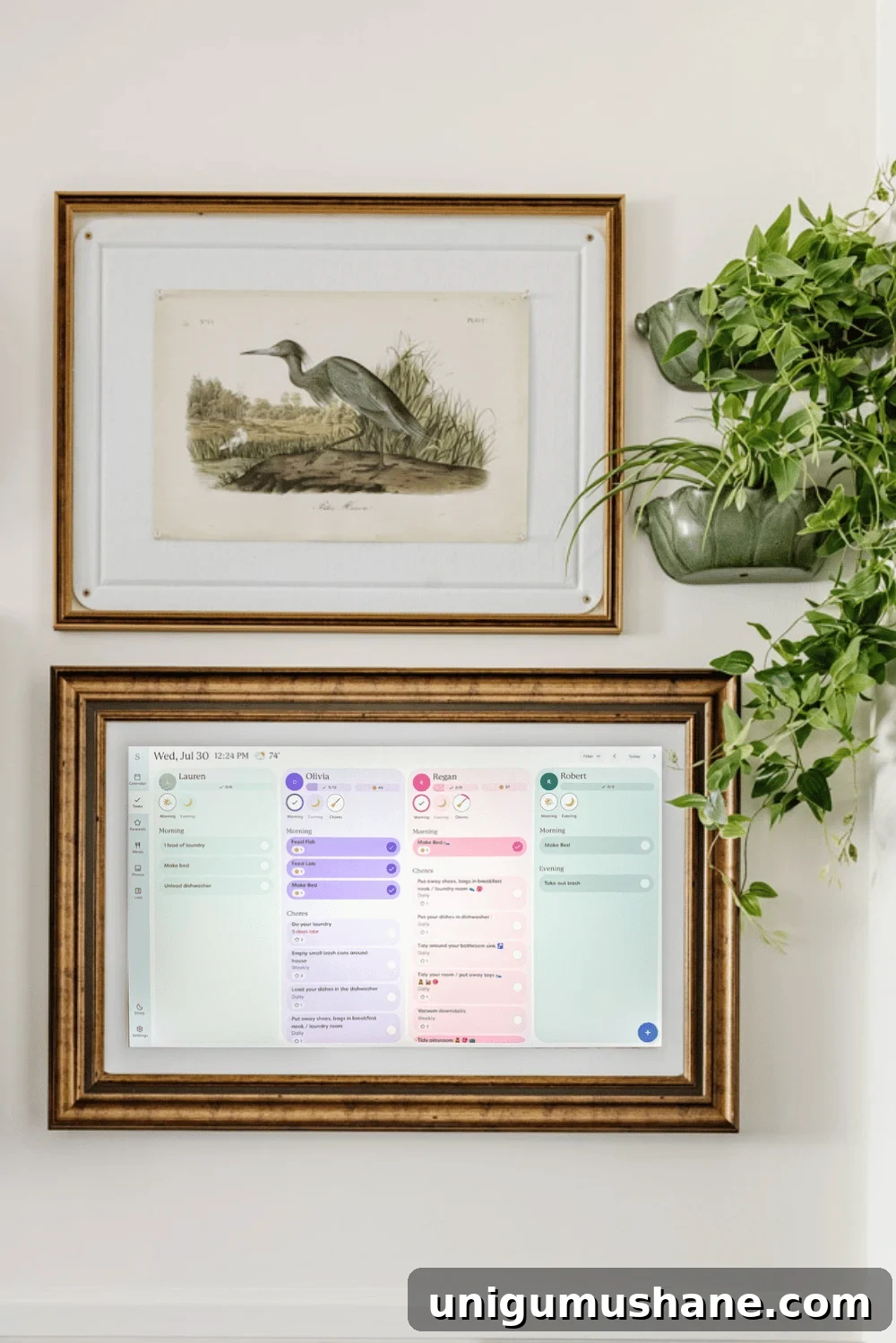
Our Experience with the Skylight Calendar Max
Here’s the practical breakdown from our day-to-day use:
- Size and visibility: The 27-inch screen is large and bright, so it’s visible across the room and impossible for family members to ignore.
- User friendliness: The interface is intuitive. Even family members who aren’t comfortable with tech learned to navigate it quickly.
- Time savers: The Magic Import feature dramatically reduced repetitive typing by converting forwarded emails into events and reminders.
- Motivation tools: The chore and rewards system is engaging for kids—they check off tasks, earn stars, and we use those stars toward allowances or privileges.
The part you need to know
- Price: The Skylight Calendar Max is a premium product, and the cost is substantial.
- Subscription: Skylight also offers a Plus Plan subscription that unlocks additional features like enhanced Magic Import, meal planning, and photo screensavers. The subscription adds to the long-term cost.
- Alternatives: Skylight sells smaller models at lower price points, and there are third-party displays and software options that offer similar functionality for less money.
What we love
- Large, clear display: Everyone can see the schedule at a glance.
- Simple setup and use: The app and device are straightforward for all family members.
- Magic Import: Forwarding emails or PDFs and converting them into calendar events saves real time.
- Engaging chore features: Kids enjoy tracking tasks and earning rewards, which reduces nagging and increases follow-through.
What we don’t love
- Cost: The device and optional subscription are expensive, which may deter many families.
- Syncing limitations: Google Calendar has the most robust two-way sync. Other calendar services may sync in a more limited way.
- Need for Wi‑Fi: The calendar depends on an internet connection. If Wi‑Fi drops, so does much of its functionality.
- Desktop access (historical): At launch, scheduling remotely was primarily mobile-app based. A desktop version has since been released, improving that workflow for users who prefer larger screens.
Skylight Calendar features, broken down
Below is a concise list of features and which ones are included versus gated behind the paid plan.
Free features
- Color-coded calendars for each family member
- Interactive chore chart and routines tracker
- Custom lists for to-dos and grocery shopping
- Multiple calendar views: day, week, month, and schedule
- Weather forecasts tied to event locations
- Sleep mode to turn off the display automatically at night
- Mobile app access with shared device linking
- Parental controls, including PIN-protected edits
Paid Plus Plan features
- Magic Import and Sidekick AI: Forward emails, PDFs, images, or flyers to auto-convert them into calendar events, meal plans, and reminders.
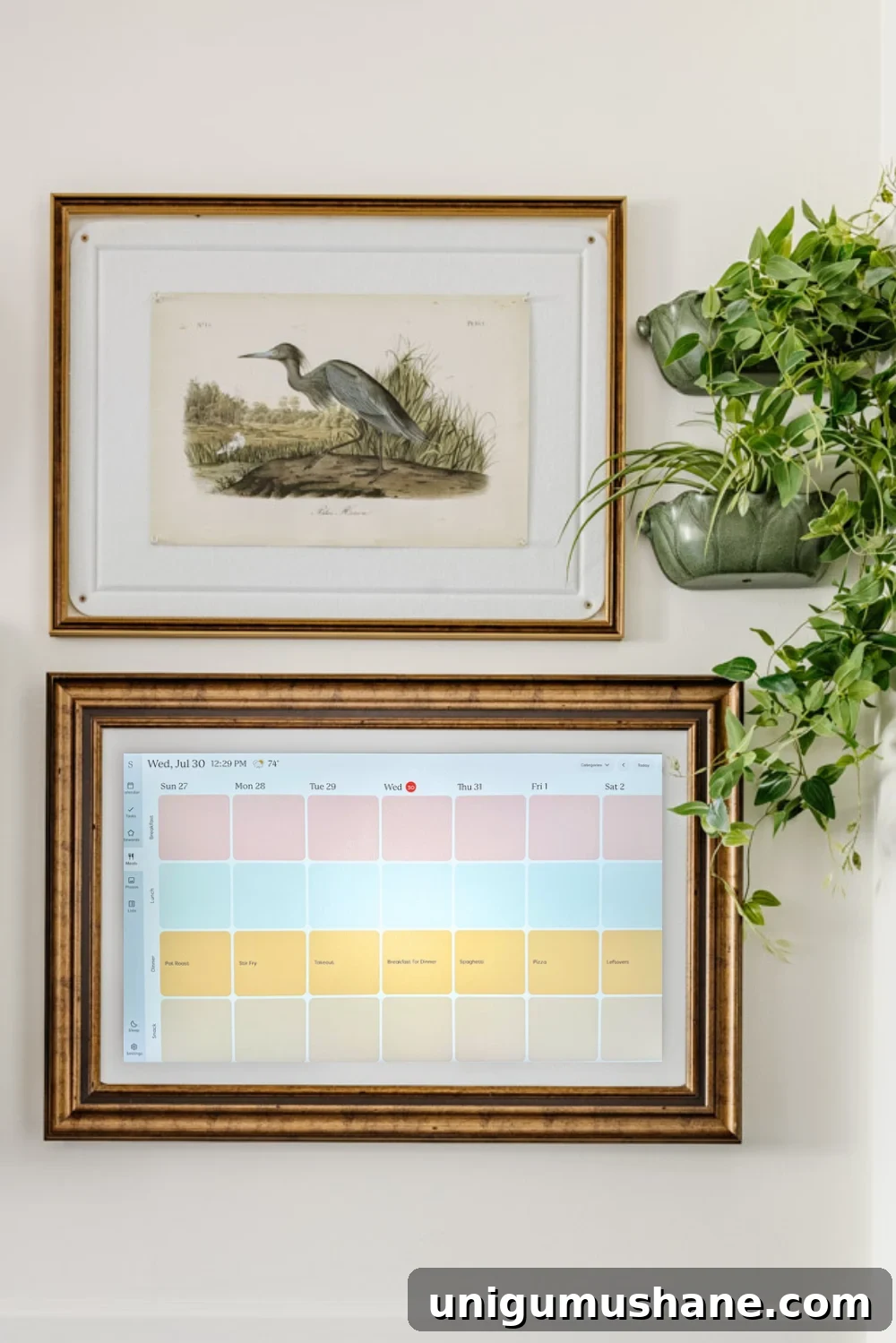
- Meal planning and recipes: Built-in tools to create menus, ingredient lists, and grocery exports.
- Rewards system: Star-based incentives for chores and routines to motivate kids.
- Photo screensavers: Display family photos or slideshows when the calendar is idle.

Skylight Calendar alternatives
If the price or subscription is a concern, several alternatives offer similar functionality at different price points and feature sets. Here’s how Skylight compares with a few notable options.
Skylight Calendar Max vs. Amazon Echo Show 15
- Size: Skylight = 27″; Echo Show = 15.6″
- Focus: Skylight is a dedicated, distraction-free family calendar; Echo Show is multipurpose with Alexa, streaming, and smart home controls.
- Cost: Skylight is a premium device with an additional subscription for certain features; Echo Show is less expensive and does not require a subscription for basic functions.
- Best for: Skylight suits families wanting a large, focused command center; Echo Show fits households that prefer a versatile smart display.
Skylight Calendar Max vs. Cozyla
- Size: Skylight = 27″; Cozyla = 24″
- Focus: Skylight emphasizes a straightforward family calendar; Cozyla blends calendar and multimedia features, including video calling.
- Best for: Skylight for a simplified command center; Cozyla for families wanting extra multimedia capabilities.
Skylight Calendar Max vs. DAKboard
- Customization: DAKboard is highly customizable for tech-savvy users and supports a variety of widgets; Skylight is more of a ready-to-use family organizer.
- Cost: DAKboard pricing varies and may require more setup, while Skylight focuses on an out-of-box experience.
Skylight Calendar Max vs. Hearth Display
- Design: Hearth includes an attractive wooden frame and kid-friendly icons, making it particularly appealing for younger children.
- Features: Skylight stands out for email/PDF importing and the rewards system; Hearth emphasizes family routines and visual simplicity.
Other digital wall display alternatives
For families evaluating budget-friendly options, consider these alternatives:
1. Mango Display
Mango Display is software that converts an existing screen—an old tablet or monitor—into a family calendar. Plans start affordably, making it a cost-effective option for a wall display.
2. Cozi Family Organizer (app)
Cozi is an app-based family organizer with shared calendars, to-do lists, and meal planning. A free tier is available, with a premium upgrade for additional features. It’s great for families who prefer phone access over a wall display.
3. OurCal (app)
OurCal is a free, simple shared calendar and messaging app that’s easy for all ages to use. No hardware is required, and it’s a solid low-cost option for family coordination.
Final thoughts
For our household, the Skylight Calendar Max became the central organizer we didn’t know we needed. The large, clear display and intelligent features like Magic Import and chore rewards made a measurable difference in daily life. That said, the upfront cost and the ongoing subscription for premium features are important considerations.
If budget is a major factor, there are capable alternatives that will still improve family coordination without the premium price tag. Ultimately, the best choice is the one your family will consistently use—whether that’s a dedicated wall display or a shared app on your phones.
More honest product reviews
- Walmart patio furniture: one-year review and durability notes
- Pottery Barn sofa: what to know before buying
- Ruggable rugs: pros, cons, and when we recommend them
- Bartesian cocktail maker: our unbiased take